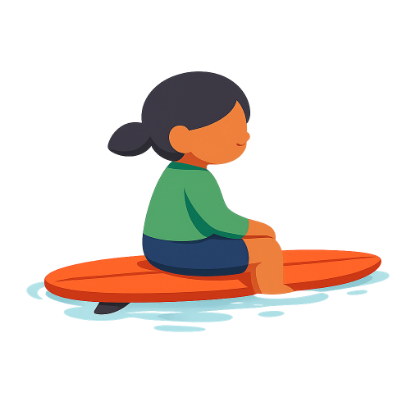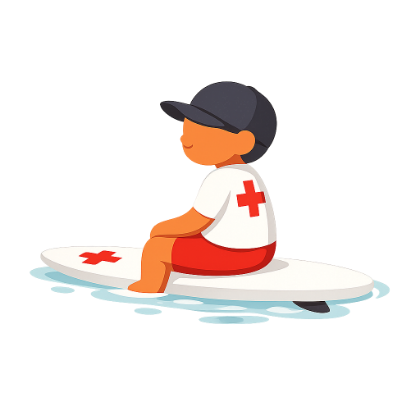
Pip
Around ages 1 to 4 years old
 123
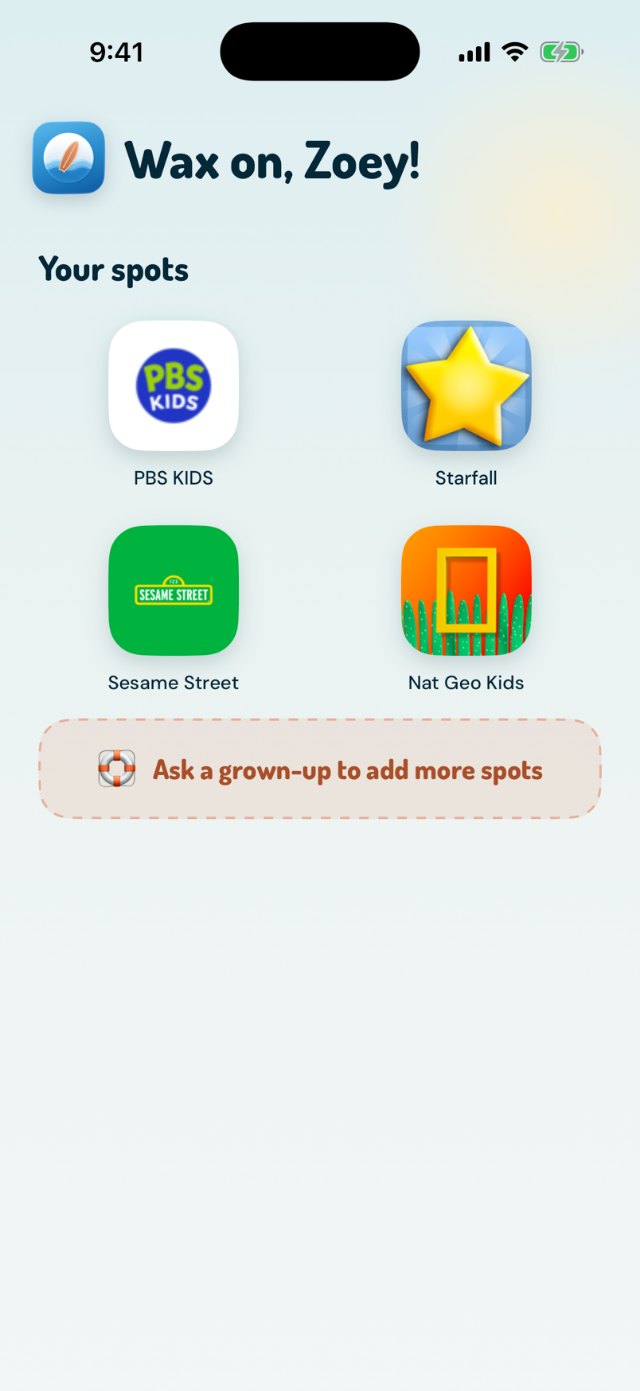
123Pips see no address bar, no search, no settings gear. Their tiles are the whole internet.
Bookmarks set up by you with presets.
Big icons for small thumbs.


Shaka grows with your kid, from a cove of allowed sites to open water with a light touch. The ages are a guide. Pick by readiness, and move them up when you both feel ready.
A cove of allowed sites just for young kids, an easy user experience, and nothing else. Shaka picks age-appropriate sites to start, and you add the rest.
Allowed sites, one tab at a time, and a search box with safe search locked on. They can open a result, one hop, and Wave Watch™ reads whatever is there.
Mostly open internet, with safeguards around social media. When something gets covered, they see the reason and a button to ask you.

Mostly the open water, with lesser restrictions than Grom. Wave Watch™ warns more than it covers, on a timeline you both can see.
Age ranges are just a suggestion. Pick a level based on readiness. Shaka Surf has four unique experiences for each level, so kids get broader boundaries as they grow up and show you they’re ready.
123Pips see no address bar, no search, no settings gear. Their tiles are the whole internet.
Bookmarks set up by you with presets.
Big icons for small thumbs.
 12
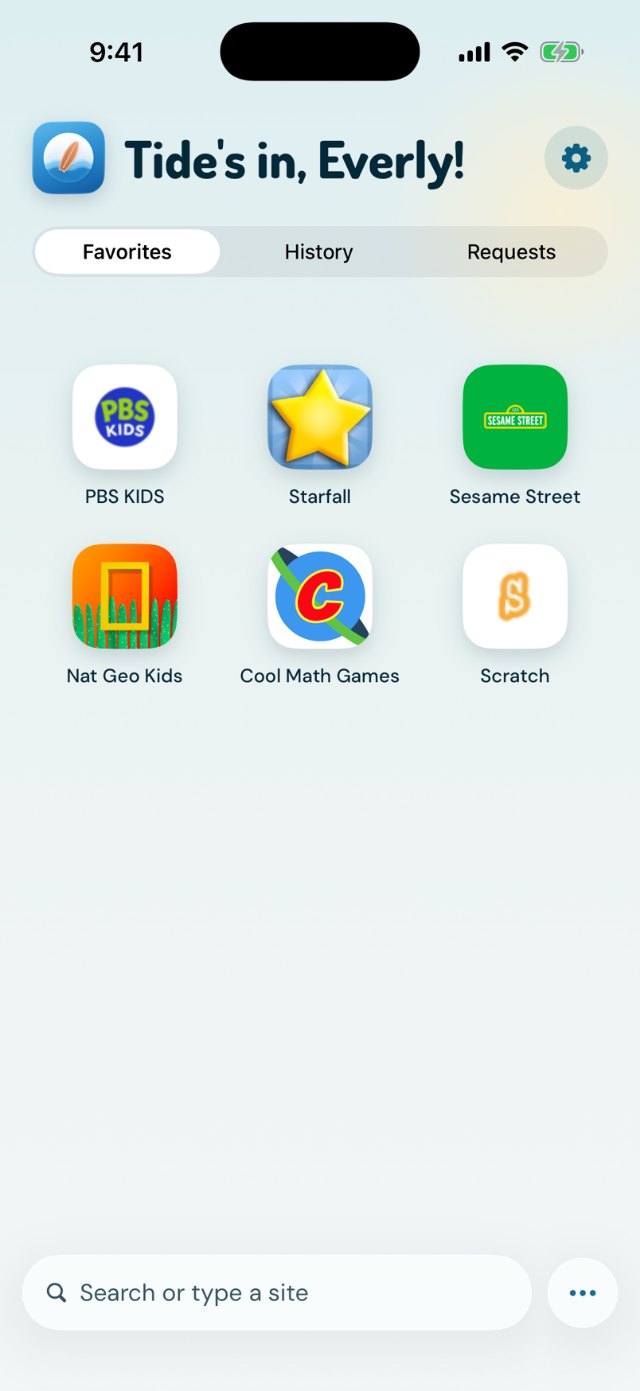
12Favorites, History and Requests appear. Squids can add spots and see what’s waiting on you.
Safe search forced on. Results always filtered.
Only one tab, so young kids don’t get lost in the browser.
 3
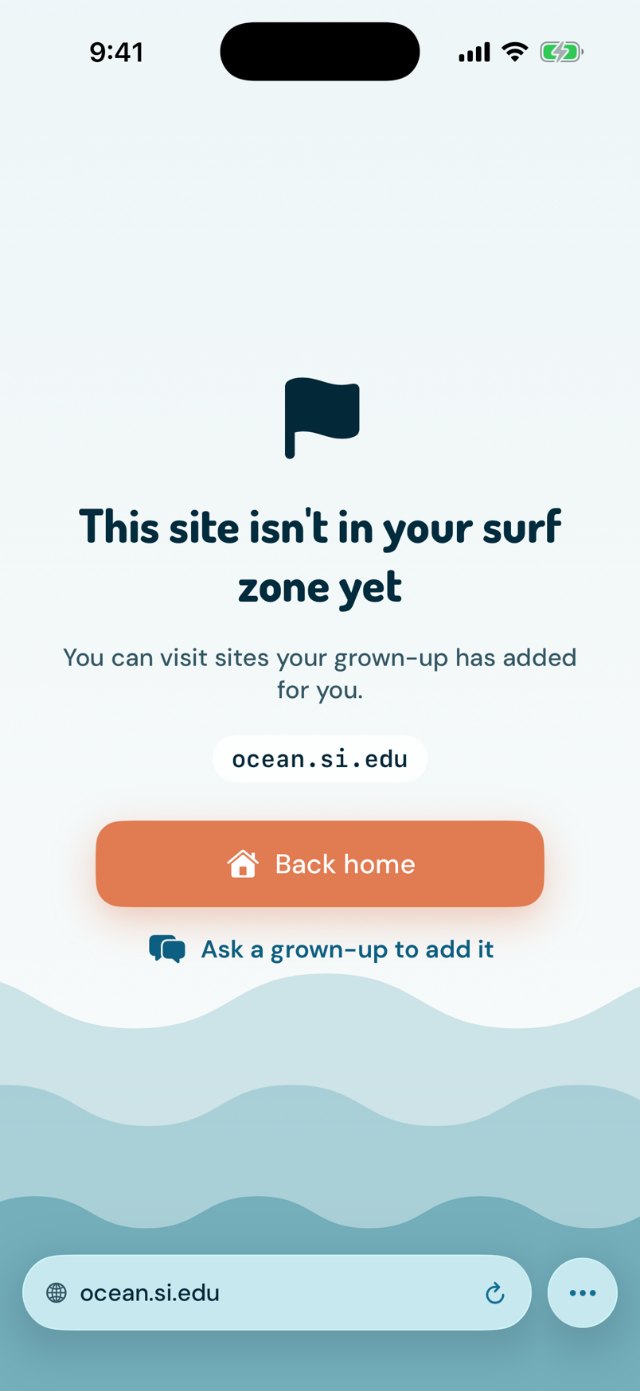
3A site that isn’t on the list stops here. “Ask a grown-up to add it” starts the conversation in your Shaka Safe app.
 12
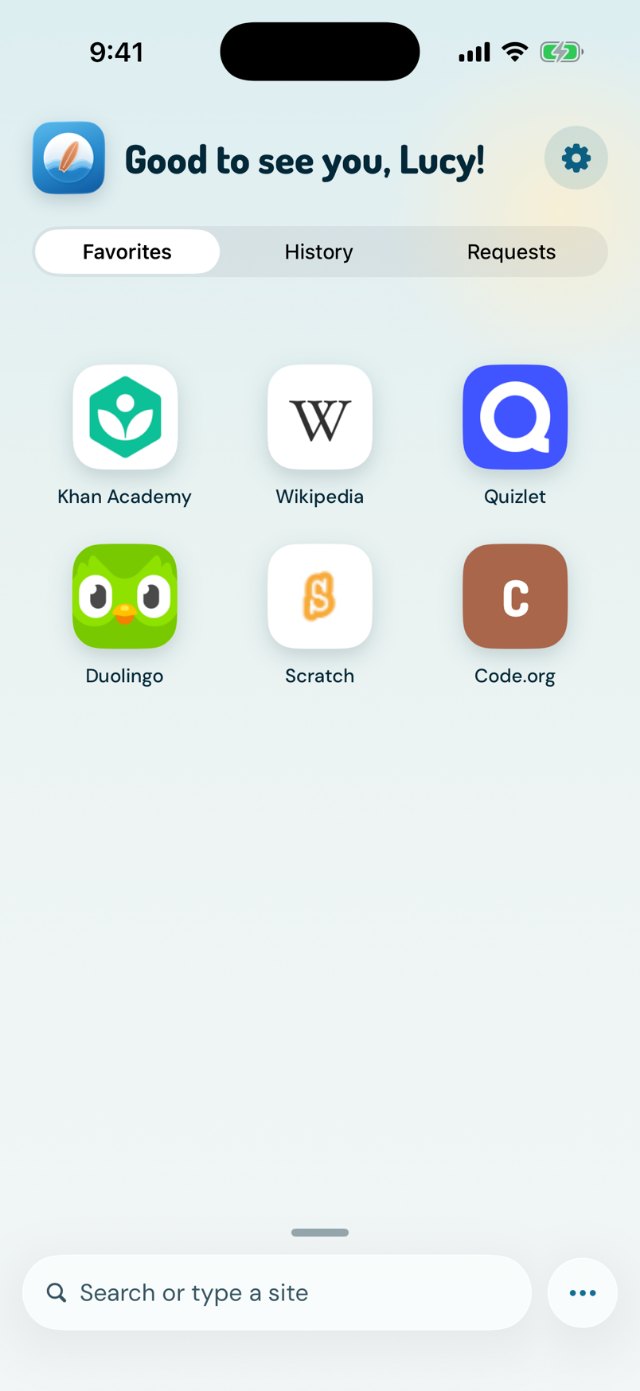
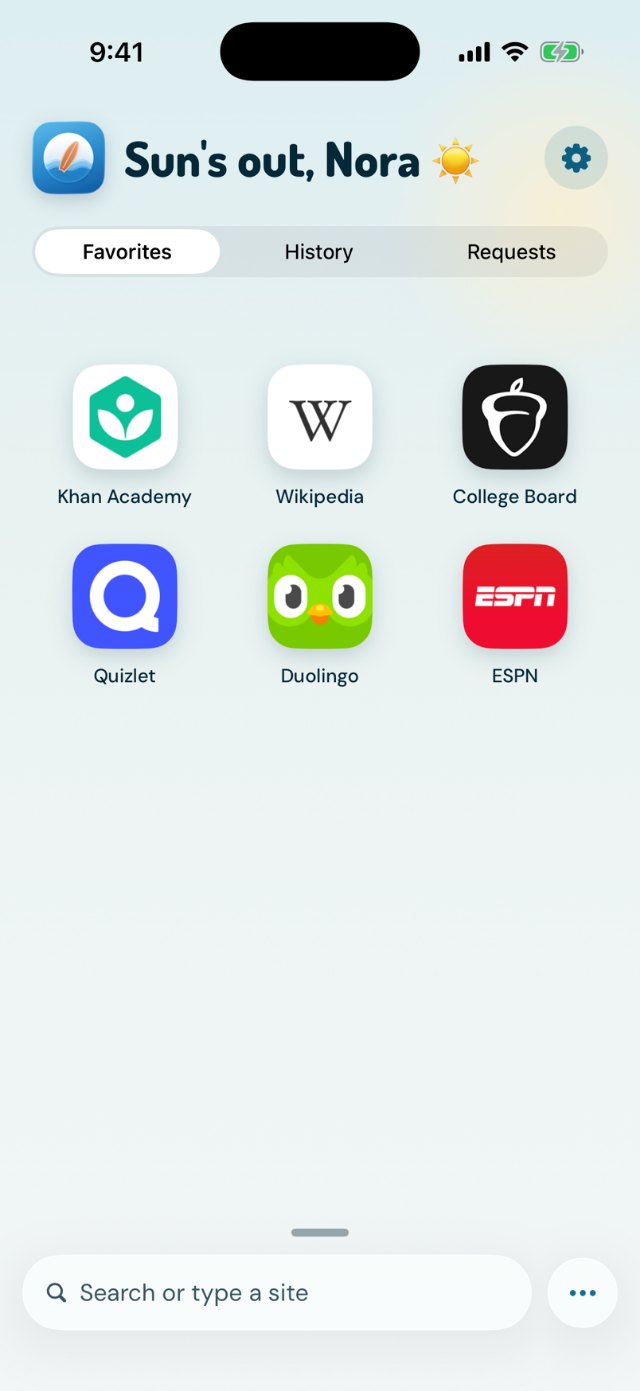
12The open web, behind a strong filter. Adult, gambling, social and more stay closed at Grom.
Type any address. Wave Watch™ protects from known inappropriate URLs and scans for adult content on each page.
 3
3Depending on your settings for your kid, Wave Watch™ will surface a warning or a block based on the content it detects.
 12
12Surf anywhere. Wave Watch™ mostly watches, stepping in only when a page gets really rough.
Same Home, more water: tabs, downloads, the open web.
 3
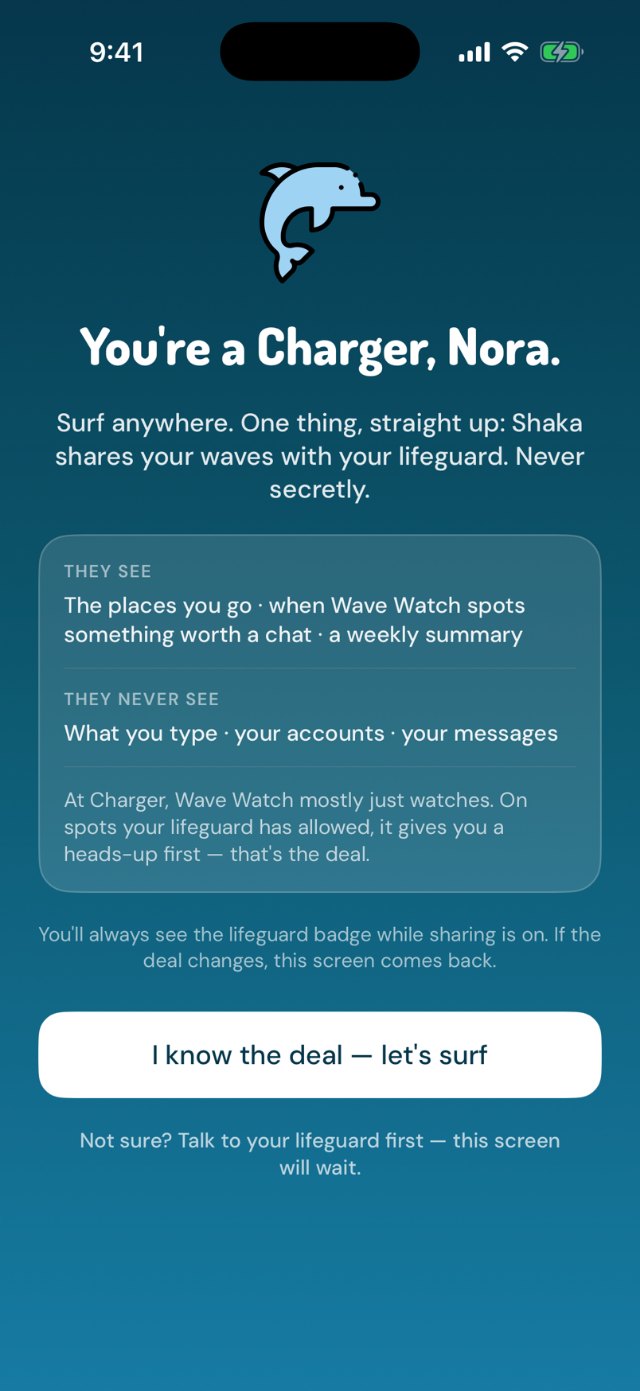
3You’re a lifeguard, not a spy. Chargers know their waves are shared with you, said plainly on day one, plus a weekly Tide Report.
When your kid is ready for more water, you move them up, together, like earning a new belt. Shaka never changes an age level on its own, in either direction.
You change an age level on purpose, from the picker in Shaka Safe. If a setting has to move to fit the new level, Shaka tells you which one, right there on the screen.
Charger is the one age level with a moment on both sides. In Shaka Safe you get a short talk guide and a plain list of what you’ll see and what you won’t. In Shaka Surf your teen gets the same list and has to tap “I know the deal” before open water unlocks. The other three age levels skip this step. You move them up, and the app says so on their screen.
 Shaka Safeyour side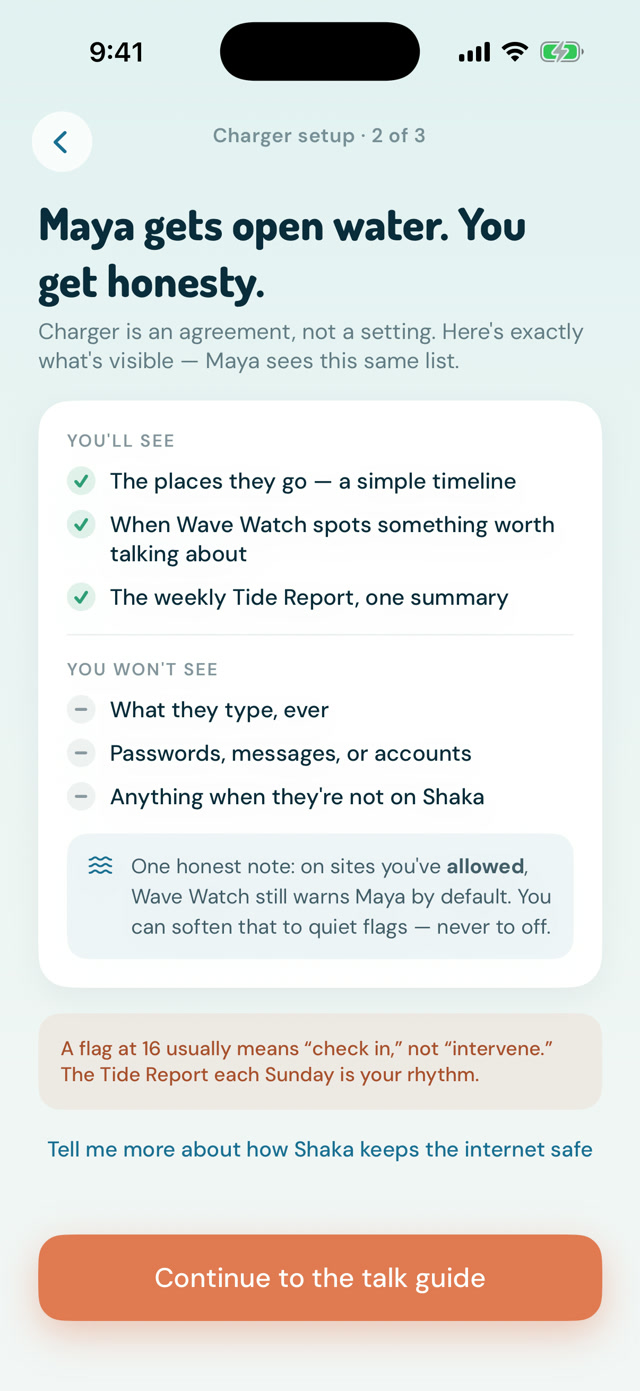
 Shaka Surftheir side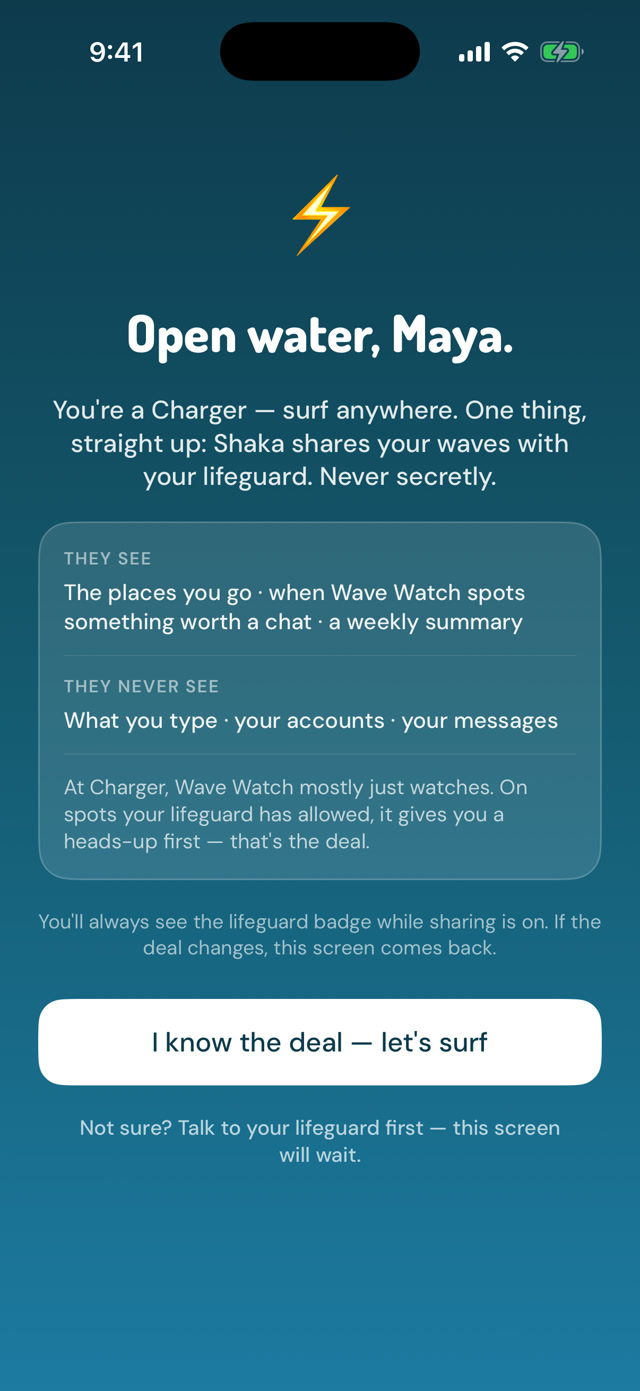
Setup asks one question, “which one sounds like your kid?”, and you can promote them any time. Two minutes, no settings maze. Join the waitlist and you’ll hear the day Shaka lands on the App Store.